Venue Screen

Your venue’s television,
part of your brand.

The screen on the wall is no longer someone else’s channel. Your light, your voice, your menu. Your guest feels the difference before they read a word.

Start free See the plans

LUMIÈRE
Restaurant & Bar
Tonight
19.30
Dinner service
21.00
Live music
23.30
Last orders
Our menu
Explore
Scan the code
From the barista
Signature Coffee
From the kitchen
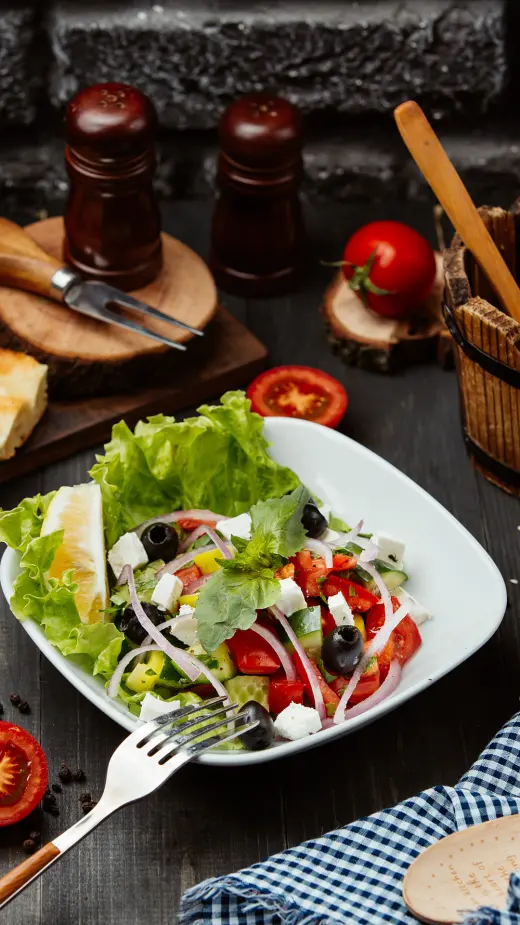
Antipasto Selection
From the bar
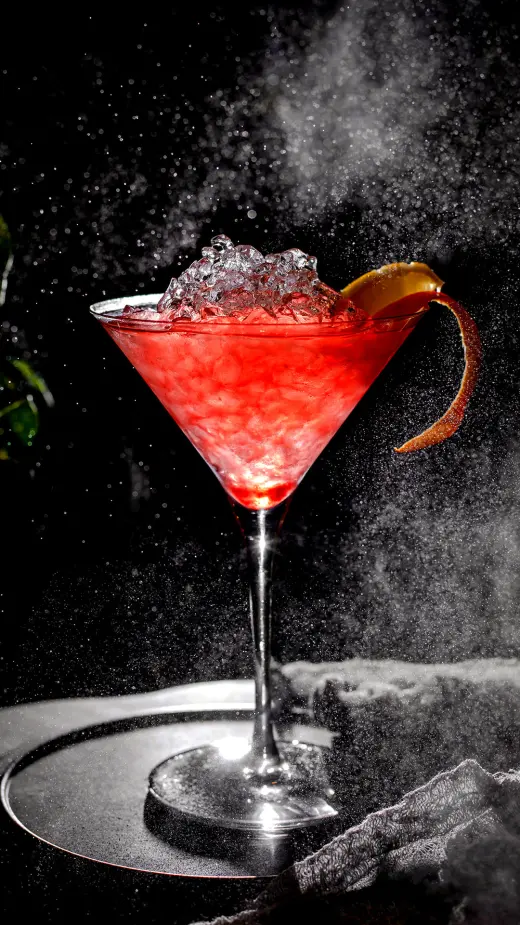
Evening Cocktail
Stone-baked
Pizza Margherita
For celebrations
Champagne Service
4.8
★★★★★ 57 reviews · this week
“The food and the atmosphere were both perfect.”
Ayşe K.
“The evening light and the music were just right.”
Mert B.
Star of the week
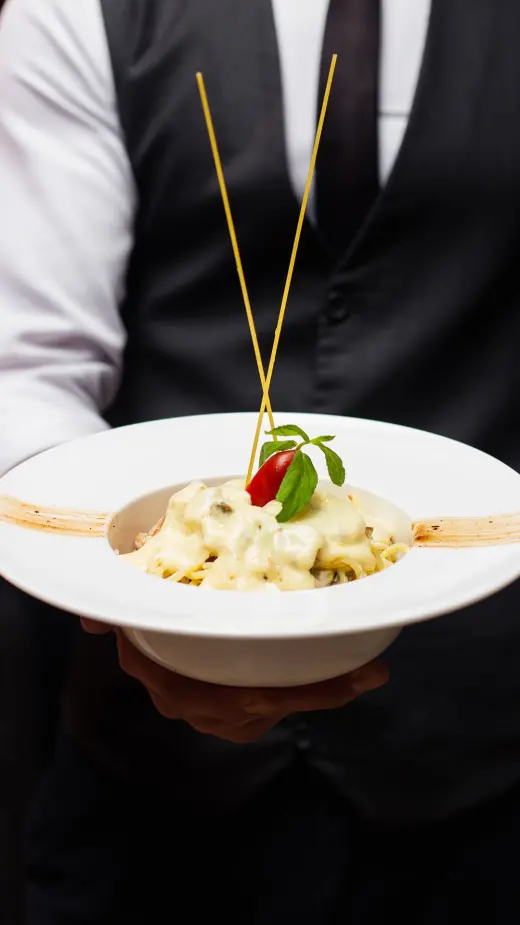
Cherry Tomato Linguine
₺480
#lumiererestaurant
Istanbul Our chef Marco Rossi Kitchen open until 23.00 18°—
Tonight
Seven courses
Chef’s table
From the kitchen
Fresh pasta
Rolled by hand daily
From the bar
Evening cocktail
After six
Personality
Look

A live example — change it and watch the mood shift.

In short

Venue Screen turns the television in your restaurant, café or hotel into a brand screen fed by your menu. Your items, the star of the week, your campaign, your guest rating and your QR invitations cycle on their own — you never prepare content. Yet the screen is yours to shape: from its personality and background to the card labels and the bottom strip, you set every detail. Free in every plan.

Why it matters

What makes a room feel expensive is that the details were thought about.

Your guest never sees your kitchen and never memorises your price list. But in the first ten seconds inside your venue they form an impression. The screen is part of it.

The atmosphere warms

The screen’s light falls on the wall and carries the warmth of evening service. Not a bright advertising panel — the second light beside the candle.

The brand shows

Your name reads from three metres away, in your own typeface and colour. What hangs on the wall is not a channel logo; it is your signature.

The guest notices

A considered detail tells them about quality before the price on the menu does. People read how far your care goes from exactly this.

The venue stays alive

The screen does not hang there like a frozen poster; as the evening moves on its content moves with it.

Three personalities

The screen takes on the mood of your venue.

A fine-dining room and a takeaway counter should not show the same thing. You pick the personality and the screen behaves accordingly.

Showcase

Café · bistro · hotel · fast casual

Your items pass by on turning cards, the star of the week steps forward, your guest rating shows and the QR code invites people into your menu. A screen that sells and invites.

Ambience

Fine dining · wine bar · chef’s table

No prices, no ratings, no QR codes. Only the image of the room, very slow movement and your name emerging. It leaves no commercial trace in your dining room.

Menu board

Counter · takeaway · bakery · canteen

Your menu is listed section by section, at a size that reads from the queue. Pages turn by themselves; you never reprint a printed board again.

Ready-made screens

You start without setting anything up.

6 finished screens wait in your panel. Click one and the preview draws it with your own menu; if you like it, apply it. Every detail is yours after that.

  • Night & Gold Evening service, bistro, steakhouse
  • Warm Cream Café, breakfast, patisserie
  • Plain Speciality coffee, boutique, healthy
  • Chef’s Table Fine dining
  • Counter Takeaway, canteen, bakery
  • Bar Evening Bar and lounge
No upkeep

You don’t have to prepare content — but everything is yours to choose.

The most expensive part of digital signage is keeping the screen full. Venue Screen feeds on your menu: change a price, add an item, start a campaign — the screen follows.

  • Add a new item — it appears on the screen.
  • Change a price — the screen is current the same evening.
  • Start a campaign — the old price drops in, struck through.
  • A guest fills in your survey — your rating rises on screen, live.
Your staging

Dozens of settings, one panel.

You start from a ready-made screen; after that every part of it — from its personality to the bottom strip — is your decision.

  • Personality and look — three personalities, six ready screens; then every detail on its own
  • Item showcase — photo or video; with a title, your own label, with or without prices. The same screen has dozens of stagings
  • Background — your own photograph of the room, the ready venue library, or a background built from your theme’s colours; softening and dimming are yours
  • Brand block — the name and subtitle on screen belong to this screen alone; your menu stays untouched. Your name set in type, or your logo
  • Left column — tonight’s programme, your opening hours or lines you write yourself (your chef, your reservation number); pick several and they take turns
  • Featured card — top performers, items on discount, or items you choose one by one
  • Guest card — your live survey rating, or a sentence of your own
  • Card labels — “Chef’s choice”, “Tonight only”, “Star of the week”: the wording is yours
  • Menu board — which sections appear, and in what order
  • Your announcements and posters — which poster reaches the screen; your day and time limits apply here too
  • Bottom strip — the fields you write; enter your city and the weather appears beside them
  • Instagram strip — your username and the frames you choose to show

With more than one screen each can behave differently: Showcase in the lounge, Ambience at the chef’s table, Menu board at the counter.

Three steps

On your television in five minutes.

  1. 1

    Open the address on your TV

    In your television’s browser you open ekran.qrmenum.app. There is no app to install.

  2. 2

    Enter the code from your panel

    A 6-digit code appears in your panel; you type it in with the remote.

  3. 3

    The screen is live

    Your venue appears on screen. From then on, whatever you change in the panel shows on the wall.

An Android TV box, your television’s own browser or a small computer — any of them works.

Free

In every plan, at no extra cost.

Venue Screen is not an add-on. It is switched on in Basic and in Advanced alike; you pay no digital-signage subscription.

See the plans
Frequently asked

What people ask before deciding.

What is Venue Screen?
It is a brand screen that runs on your venue’s television and is fed by your menu. Your items, the star of the week, your campaign, your guest rating and your QR invitations cycle on their own. Instead of someone else’s advertising channel, the TV becomes your own medium. It is free in every QrMenum plan.
Will I pay extra for it?
No. Venue Screen is not an add-on; it is switched on in Basic and in Advanced alike. There is no monthly digital-signage subscription to pay.
I don’t know what to play on my television.
You don’t need to — your menu is already enough. You click one of the ready-made screens in your panel, the preview draws it with your own items, and you apply it if you like it.
I have a smart TV — do I need to buy a device as well?
Usually not. If your television’s own browser is good enough, the screen runs there. If it has no browser, an inexpensive Android TV box or a small computer will do.
Do I have to prepare screen content every week?
No. The screen feeds on your menu: when you add an item, change a price or start a campaign, the screen follows on its own.
I don’t want to show prices in my fine-dining room.
Choose the Ambience personality: prices, ratings and QR codes leave the screen. What remains is the image of the room, very slow movement and your name emerging.
Can I have more than one screen?
Yes, and each can behave differently. In a hotel you can run Showcase in the lounge, Ambience at the chef’s table and Menu board at the takeaway counter; the personality is chosen per screen.
Can I use my own photograph of the room?
Yes. You can upload your own landscape photograph, pick one from the ready venue library, or use no photograph at all and switch to a background built from your theme’s colours. Softening and dimming are in your hands.
Can the name on the screen differ from the one in my menu?
It can. You can write a shorter name that reads from three metres away and a subtitle that describes you better; your menu stays untouched. Leave them blank and your business name appears.
How do I know the screen is working?
How many times the QR codes on screen were scanned is counted in your panel. “This week, this many menu openings and this many reviews” — you see it concretely.

Let’s see how your venue looks on screen.

Try it free for 14 days; no card needed. We prepare your menu and set up your screen with you.

Message us on WhatsApp Typical reply: 10 min